Webinar
2026.R2 - Pre-release Webinar

What's in this release
Seven updates in 2026.R2. Here's what we'll cover in the session:
- CoAuthor - AI content assistance built directly into the Author editor. Grounded in your organisation's published content. We'll demo it live and walk through how to set it up.
- Brand refresh - New logos and updated visual design across Author, Contribute, Review, Translations, and Offline Viewer.
- Review improvements - Complete Editorial button replaces auto-transition. Instant start option. 60-minute notification intervals.
- New Word control - Exclude URL Addresses property for hyperlink objects in Word publishing. Cleaner output, less noise.
- Translations API - Reference files and job notes now accessible via API.
- Magellan - Auto-redirect for direct topic HTML URLs. Configurable landing page rotator (0–8 items). Mobile and video popup fixes.
- Notable fixes - Search, PDF font rendering, list indent behaviour, session timeout, and more. 16 fixes in total.
CoAuthor is fully opt-in. It needs to be enabled for your library.
Even after being active, you can use it once a library admin creates a CoAuthor source - via a special CoAuthor publishing profile. AI has no default access to your content. If you haven't set one up, your library is unchanged. We'll walk through the setup during the session - including what a CoAuthor source is, what it makes available, and how to control it.
Your hosts
Abhay Chokshi - Product Manager, Author-it
Jamie Simmonds - Documentation Manager, Author-it

Related Resources

Webinar
2026.R2 - Pre-release Webinar
CoAuthor is the headline. AI content assistance built into the Author editor, grounded in your organisation's published content. Join us for a live pre-release walkthrough before 2026.R2 ships on 21 June.
Article
Author-it launches AION: AI content foundation
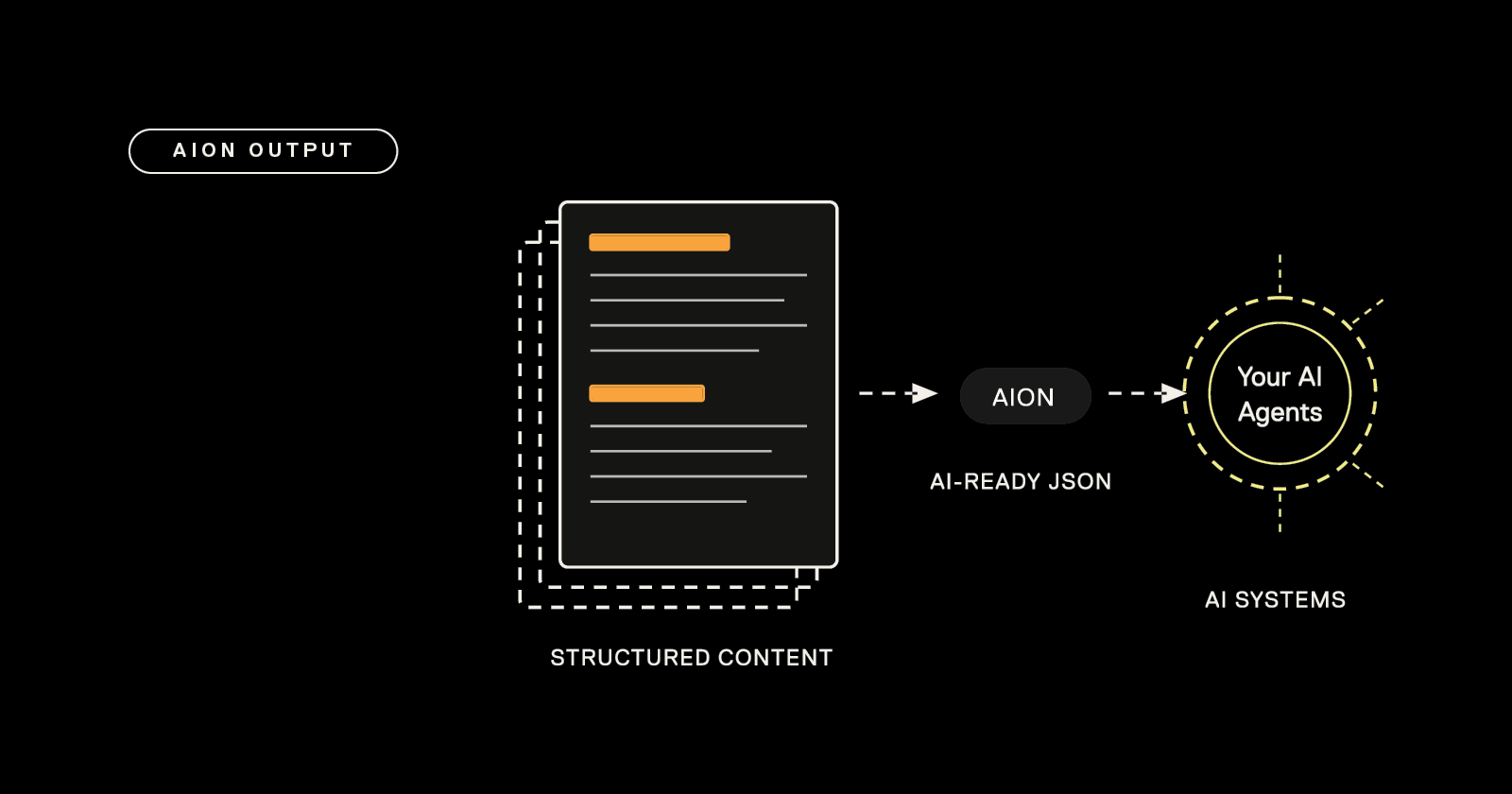
AION ships as a standard output format in every Author-it deployment - no add-on, no extra cost, and no architectural changes required.
Article
Structured content vs unstructured: the 90-second test
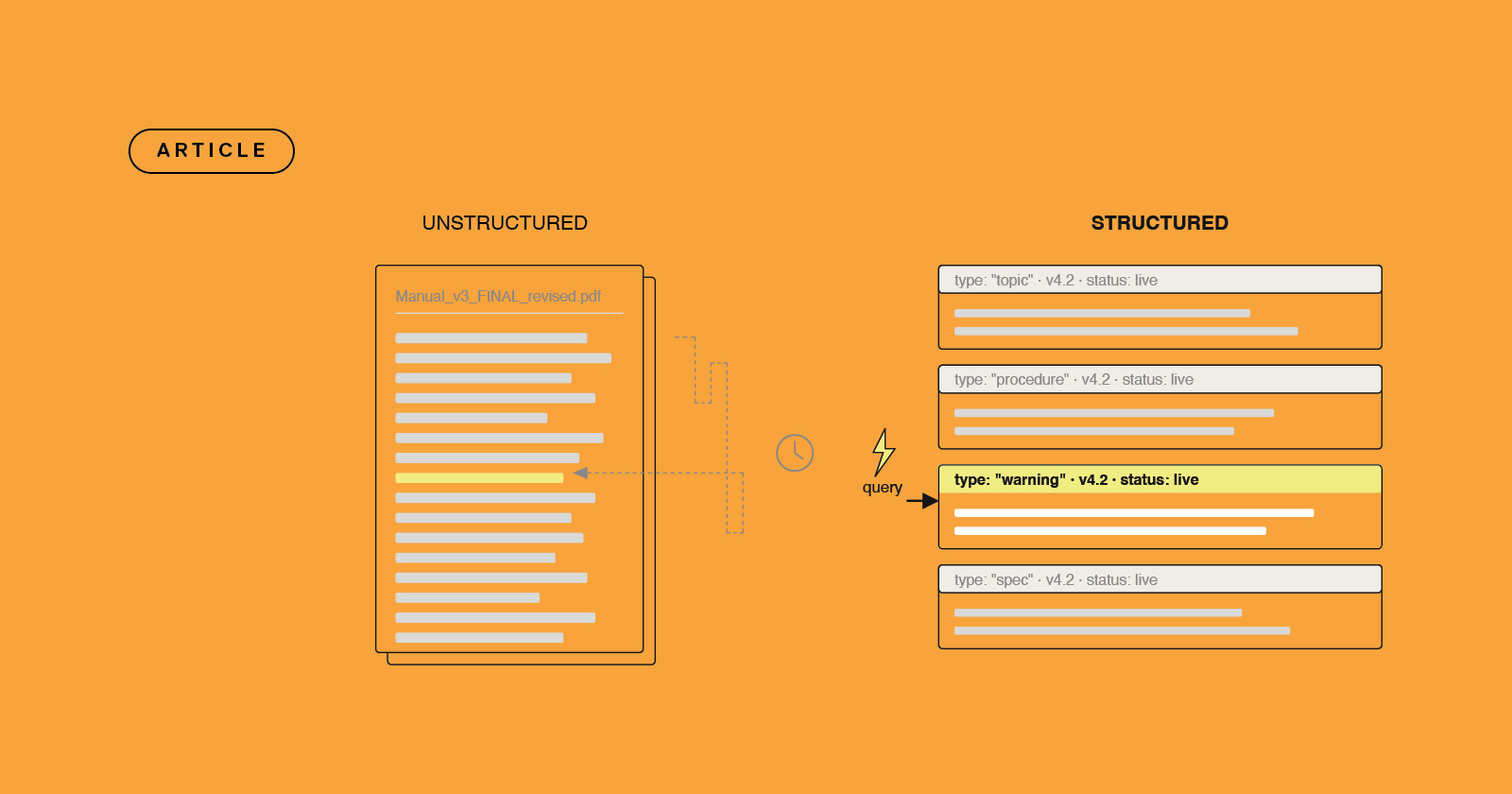
Structured content is the difference between a reader finding what they need in 2 seconds or 60. Take the 90-second test to feel it for yourself.